Bing Ads (Microsoft Ads) Management
We launch and run Microsoft Advertising as a second search channel after Google: an import that we check by hand, bids and targeting of its own, conversion tracking set up separately. Search ads reach Bing, Yahoo, DuckDuckGo and Copilot.
- Google Ads import, checked by hand
- Bing, Yahoo, DuckDuckGo, Copilot
- The account stays yours
Home Remodeling - Fixed-Price Estimates
Illustration, not client data.
- Timeline
- ads live in 3-5 days
Microsoft Advertising - still widely called Bing Ads - shows your search ads on Bing, AOL, Yahoo, DuckDuckGo, Ecosia and partner sites, and in Copilot answers. In the US, Bing sent 9.78% of search-engine referrals in October 2026 and 18.8% on desktop (StatCounter), so for most businesses it is a second channel after Google, with an auction of its own. We import your Google Ads campaigns, fix what the import changes, track conversions separately and manage bids for Microsoft's audience.
How Microsoft Advertising works
Six facts from Microsoft's documentation that shape how we set it up.
One account, several search engines
Search ads can show on Bing, AOL, Yahoo, DuckDuckGo, Ecosia and other partners; where exactly depends on the campaign, the ad type and distribution settings.
Copilot is included
All eligible campaigns are opted in to ads in Copilot answers automatically. There is no opt-out and no separate Copilot reporting.
Search ads need a logo for Copilot
Without a logo a search ad is not eligible to show in Copilot. Negative keywords apply there as they do in search.
Import is a start, not a finish
Bids and budgets that are too low are raised to Microsoft's minimums, broad match negatives become phrase match, video does not carry over and targeting works differently.
Scheduled sync can undo your edits
An automatic import can re-enable campaigns and restore Google Ads settings, including the budget, so we decide what syncs and what is managed natively.
Partner sites are reported together
Select partner traffic has no per-domain report, so we judge partner placements by conversions and cost per lead.
- Timeline
- first impressions
- in 3-5 days
- a stable cost per lead
- after 3-6 weeks
Who it's for
Google Ads already brings leads and you want more volume at a comparable cost
Your customers search at their desks: Bing gets close to one in five US desktop search referrals
B2B and professional services whose buyers research on work computers
Local services in competitive markets where Google clicks are expensive
E-commerce with Shopping or Performance Max campaigns in Google that can be imported
When Microsoft Ads is not the first step
Google Ads does not work yet: fix the main channel first - Microsoft's audience is smaller
A very small budget: fewer searches mean fewer clicks to learn from
Video-led campaigns: video from Google Ads video campaigns does not carry over in the import
Nobody answers the phone: as with any paid traffic, unanswered leads are wasted money
What's included in Bing Ads management
Import from Google Ads, checked
We import the campaigns that already work in Google, then fix what the import changes: bids, negative keywords, targeting.
Bids and targeting of its own
Microsoft's audience and auction differ from Google's, so bids, schedules and locations are set for it separately.
Conversion tracking
A Microsoft tracking tag and conversion goals for calls, forms and chats, tested with a real lead before launch.
Ads with a logo and assets
Sitelinks, callouts and a logo on search ads - without the logo they cannot show in Copilot.
Partner network control
Distribution is set per ad group: Microsoft sites and select traffic, or the whole network - decided by the cost per lead.
Weekly search-term cleanup
Search terms reviewed every week, negatives added in Microsoft's own match types.
How we work with you
1-3 days
Audit of your Google Ads
Which campaigns are worth importing, what the leads cost there and what budget Microsoft needs on top.
1 day
Account and access
A Microsoft Advertising account in your name; we work in it with delegated access.
2-3 days
Import and fixes
Import, then a manual pass over bids, negatives, targeting, logos and distribution.
launch day
Tracking and launch
A test lead recorded as a conversion, then the campaigns go live.
weekly
Weekly summaries
Leads and cost per lead in Microsoft next to Google, so you see what each channel adds.
from day one
Your account, always
If we part ways, we remove our access; campaigns and history stay with you.
Our paid search results
- PPCWebSEOFintech · Kazakhstan
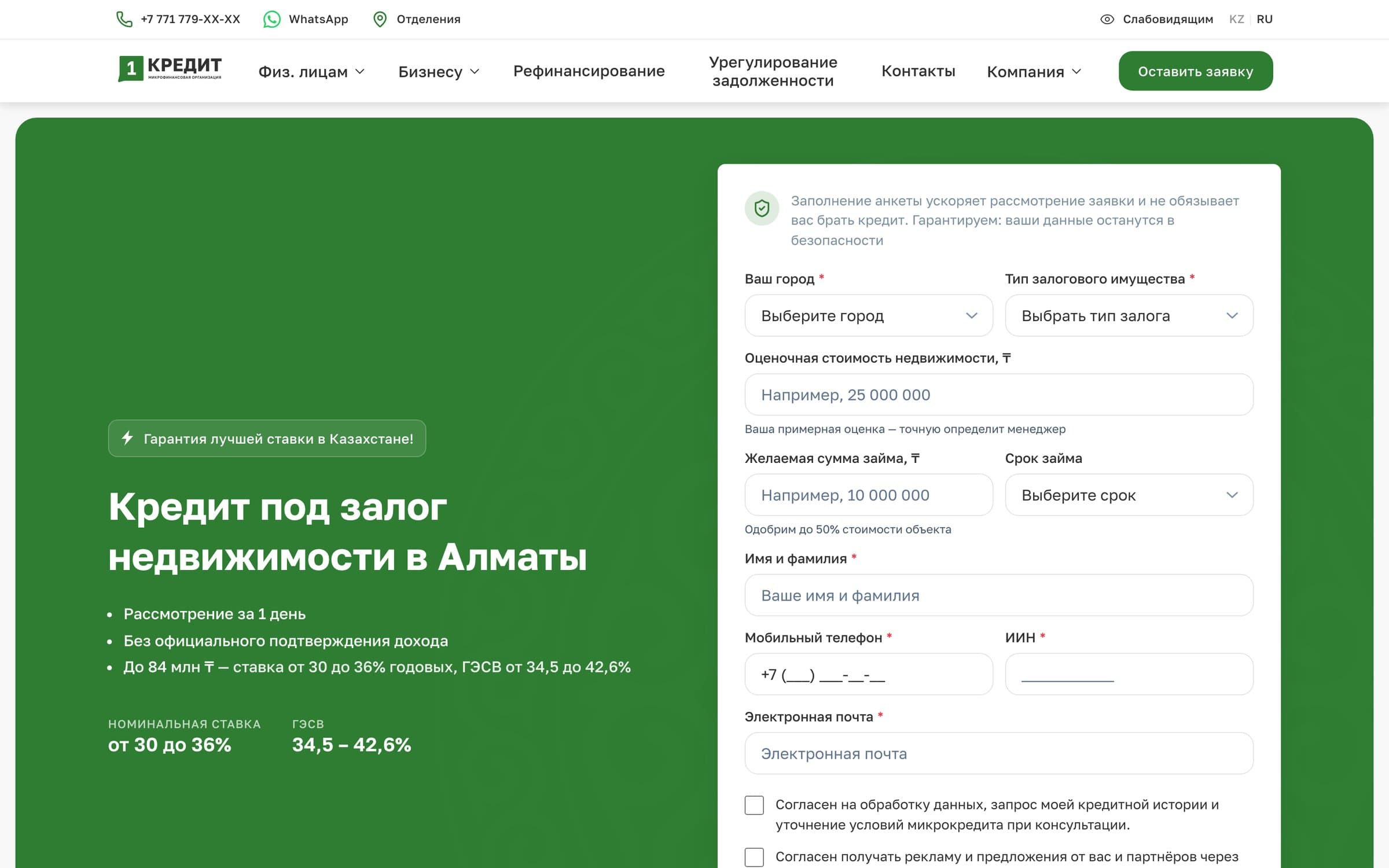
1kredit.kz - collateral lending
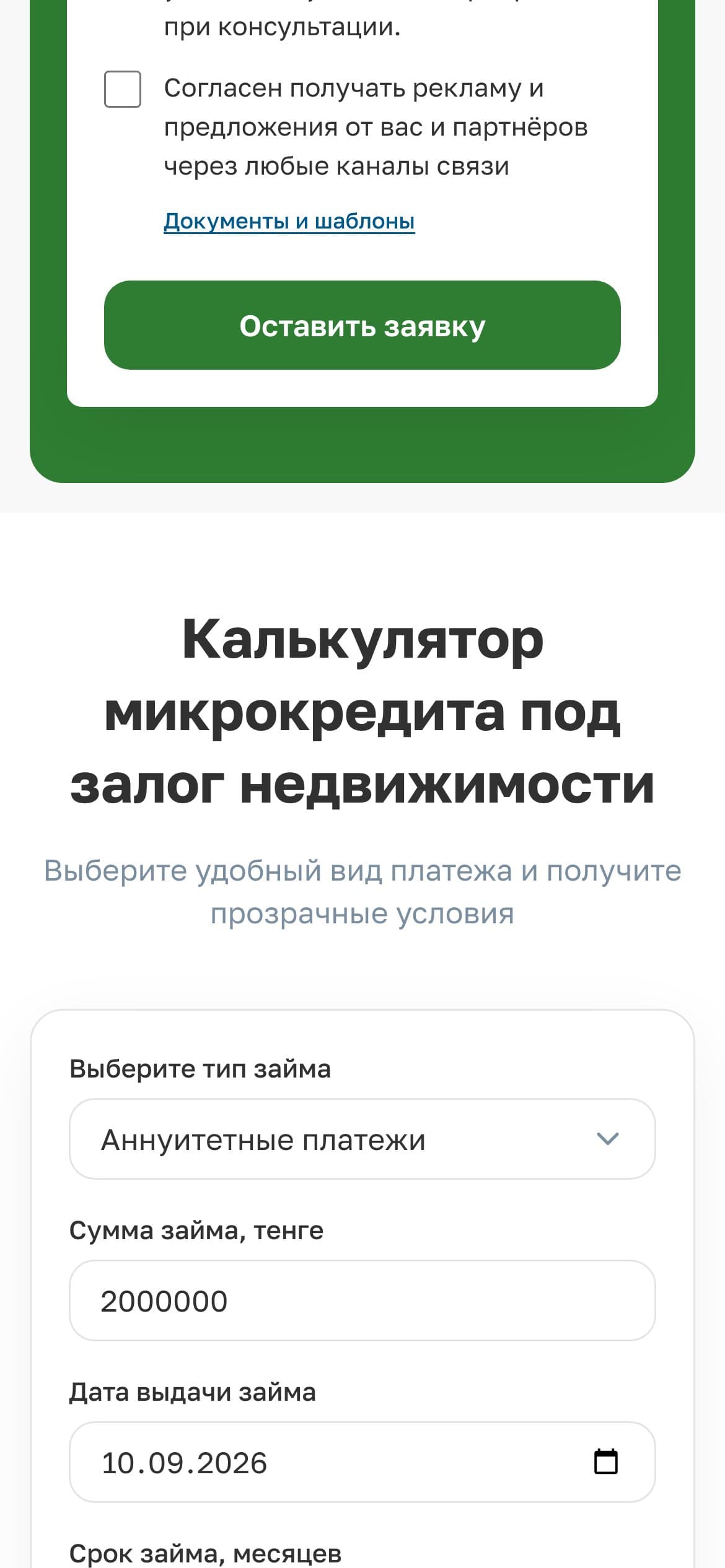
Under the contract of 07.06.2024 we run marketing and development for a collateral lender: website and landing pages, paid search, CRM and automated scoring. From August 2025 to June 2026 Google Ads across 5 regions plus dedicated landing pages produced 1,265 applications at ~$7.60 each, with CTR 1.8-4.4 times above the benchmark for the niche. Most of the volume comes from property-backed loans; on the car-backed pilot we are lifting the operational ceiling - CRM, automated scoring, automated collateral valuation and a bank statement parser are live, the integrations with both credit bureaus (GKB and PKB) went into production in May 2026, and the automation rolls out to every product next.
1:53ad spend → loans issued; 1,265 applications in 11 months
- WebPPCSEOServices · United States
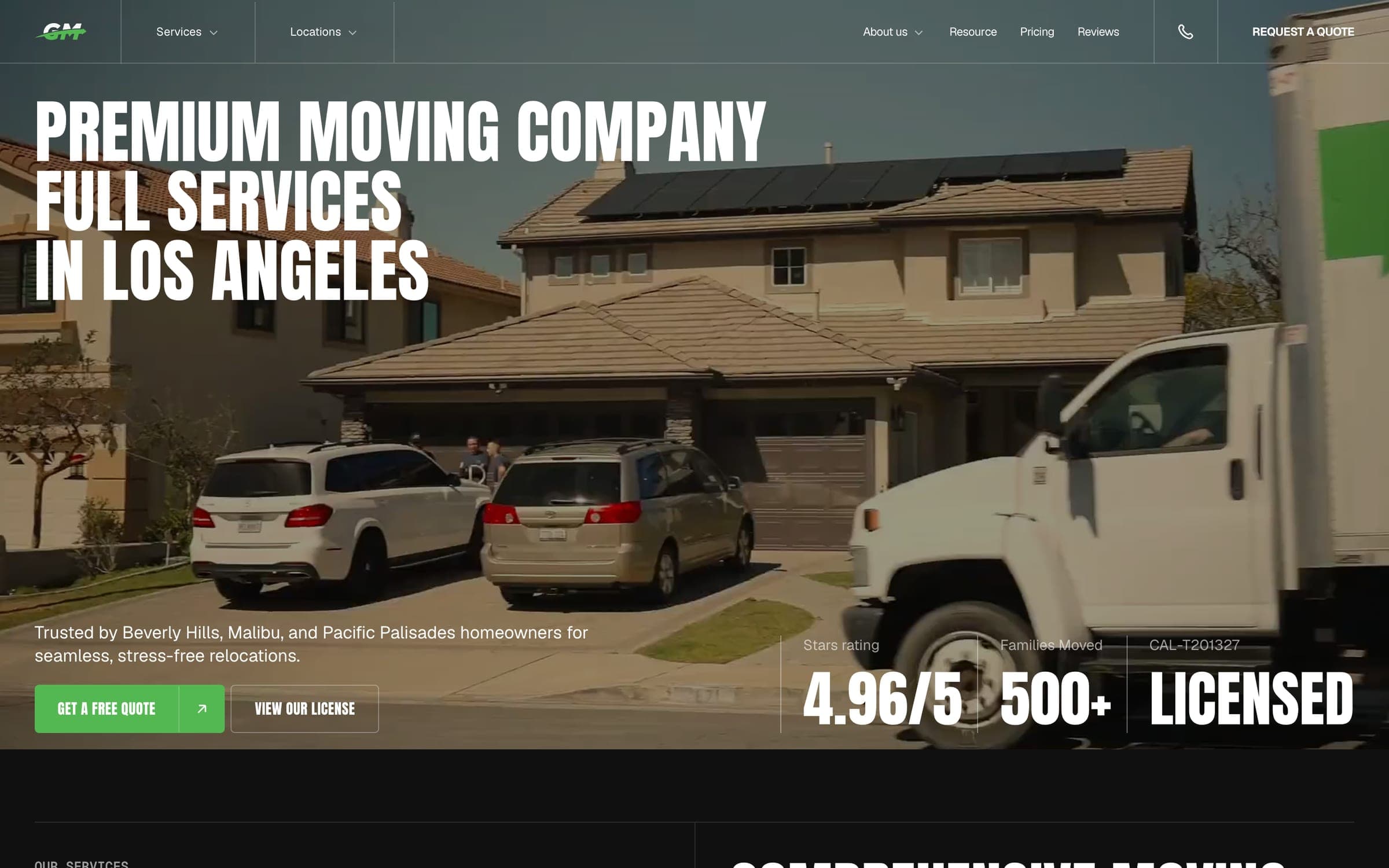
Green Moving
A Los Angeles moving company, in a market where a Google Ads click costs about $30 on average, got a new Next.js website replacing its old WordPress site, and a marketing launch: Google Ads for immediate leads and SEO for an organic channel. Organic is growing and the ads are picking up.
1 → 44organic clicks a month; ≈ $1,320/mo what these clicks would cost in Google Ads


Bing Ads management pricing
There is no separate invoice for setup - it is part of the first month of management. The ad budget is paid by you directly to Microsoft and never passes through us. We quote after a free 1-3 day audit.
Bing Ads management: FAQ
Didn't find your answer?
Message us on WhatsApp, Telegram or by email - we reply within one business day, usually sooner.
info@bankai.agencyGet the searches your Google campaigns miss
We show where you lose clients on your own numbers and lay out a plan for a steady flow of leads.